20 Content Ideas When You Don't Know What to Post
For the days when you know you want to create, but have absolutely no idea what to post. Start here.
You don't need to have your whole brand figured out before you start creating.
If you're new to social media content creation, figuring out
what to post can feel harder than actually making the post.
These beginner content ideas are designed for the stage when
you're still finding your niche, building your brand, and
learning what kind of content you want to create.
You may not have customers, testimonials, a finished product,
or years of experience yet—and that's okay. You can start with
what you're learning, what you're building, what you're interested
in, and the conversations you want to have.
Need a little help getting started?
The Vault gives you 1,000+ ready-to-use digital assets, templates, content resources, and creative tools to help you create while you're still finding your direction.
You don't have to be an expert to create something useful.
If you're learning it, discovering it, or figuring it out, there's probably another beginner who would find it useful too.
Share one thing you learned today.
Maybe you discovered a Canva feature, learned something about your niche, found a useful website, or finally understood something that used to confuse you. Share the takeaway in your own words.
Explain something you recently figured out.
Think about something that made you say, “Ohhh, THAT'S how that works.” Someone else probably hasn't figured it out yet either.
Share a beginner mistake you made.
It doesn't need to be dramatic. Maybe you used the wrong Canva size, tried posting everywhere at once, or spent too much time making one graphic. Share what happened and what you're doing differently now.
Share a useful tool you discovered.
An app, website, Canva feature, AI tool, template, book, or resource. Explain what it does and why another beginner might find it useful.
Make a “3 things I learned about ___” post.
Pick something you're currently learning and turn your notes into content. You don't need to teach the entire subject—just share three useful takeaways.

The Creator Edit / Self Care Hustler®
A Note From Self Care Hustler®
You don't need more experience.
You need more ways to use what you're learning.
You don't need thousands of followers to start talking to the people already there.
Some of your easiest content can simply give people something interesting—or fun—to respond to.

Create conversation, not just content.
Ask an easy either/or question.
Coffee or tea? Canva or Adobe? Reels or carousels? Digital planner or paper planner? Keep it relevant to your page when possible.
Ask what people are currently working on.
This works especially well if you're building alongside your audience. Try something as simple as, “What are you working on this week?”
Create a finish-the-sentence post.
Try: “If I could learn one skill this year, it would be ____.” Make answering almost effortless.
Ask people for their favorite resource.
Favorite app, podcast, creator, business tool, book, website, or Canva font. You get engagement and discover useful resources yourself.
Ask a simple “What would you choose?” question.
Two colors. Two designs. Two content ideas. Two names. Two aesthetics. You don't need a finished business to let people participate in what you're creating.
You don't have to figure it all out from scratch.
Sometimes you need an idea. Sometimes you need the actual resources to bring it to life. The Vault gives you ready-to-use digital assets, templates, content resources, and creative tools to help you start creating while you're still finding your direction.
Find Your Creative Starting Point →You don't need a success story before you're allowed to start sharing.
The beginning is content too. Let people see what you're learning, making, testing, and improving along the way.
Share what you're working on right now.
Starting a page? Learning Canva? Building your first website? Researching digital products? Creating your first freebie? That's content.
Show part of your process.
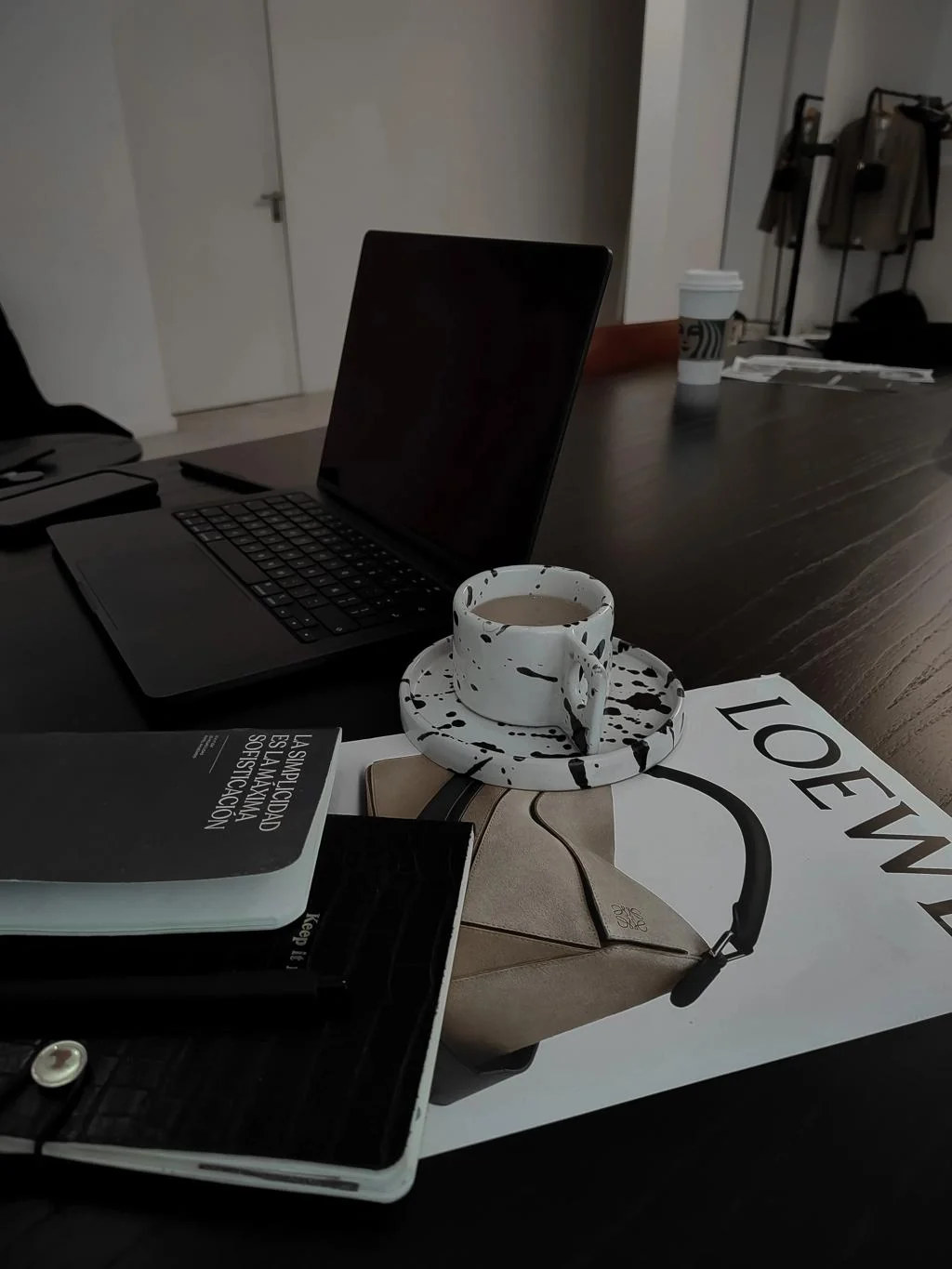
Your notes, Canva screen, research tabs, rough draft, content calendar, workspace, or planning process. It doesn't have to be polished.
Share a before-and-after of something you're improving.
Your first graphic versus your newest one. An old bio versus your rewritten bio. Messy notes versus the finished post. Progress itself can be content.
Share a small win.
You finished your first template. Posted consistently for a week. Got your first comment from a stranger. Finally launched the page you've been talking about. Small still counts.
Share what you're trying next.
Tell people about something you're experimenting with: a new content format, posting schedule, design style, platform, tool, or skill you're learning.

Build while you learn.
Faceless doesn't mean personality-less.
Your page can have a point of view, an aesthetic, interests, and personality without turning your personal life into the content.

Faceless doesn't mean personality-less.
Share something you're currently obsessed with.
A design style, business idea, book, creative trend, productivity method, color combination, or topic you've been researching.
Make a “current favorites” post.
Your three favorite Canva fonts. Five websites you bookmarked. Three apps you use every day. Your current creator tools. Keep it connected to the world you're building.
Create a moodboard for what you're building.
Colors, words, images, textures, quotes, screenshots, outfits, interiors—anything that captures the direction you're moving toward.
Share one thing you believe about the topic you're exploring.
You don't need to present yourself as an authority. Simply share your perspective: “One thing I'm realizing about building a brand is…”
Introduce what you're building—even if it isn't finished yet.
Tell people what you're starting, why you're interested in it, and what they can expect to see as you figure it out.
Your direction gets clearer through creating.
You don't need to know exactly what your brand will become before you start creating.
Start with what you're learning. Share what you're building. Pay attention to what people respond to. Experiment with different formats and give yourself room to improve.
The goal isn't to constantly come up with something new. It's to learn how to create more from what you already have.
The Creator Edit / 001
You don't need 100 new ideas every month. You need somewhere to start.
Start creating without starting from scratch.
The Vault gives you 1,000+ digital assets, templates, content resources, and creative tools for building your brand and creating content—whether you're just getting started or ready to create more consistently.
Join The Vault →